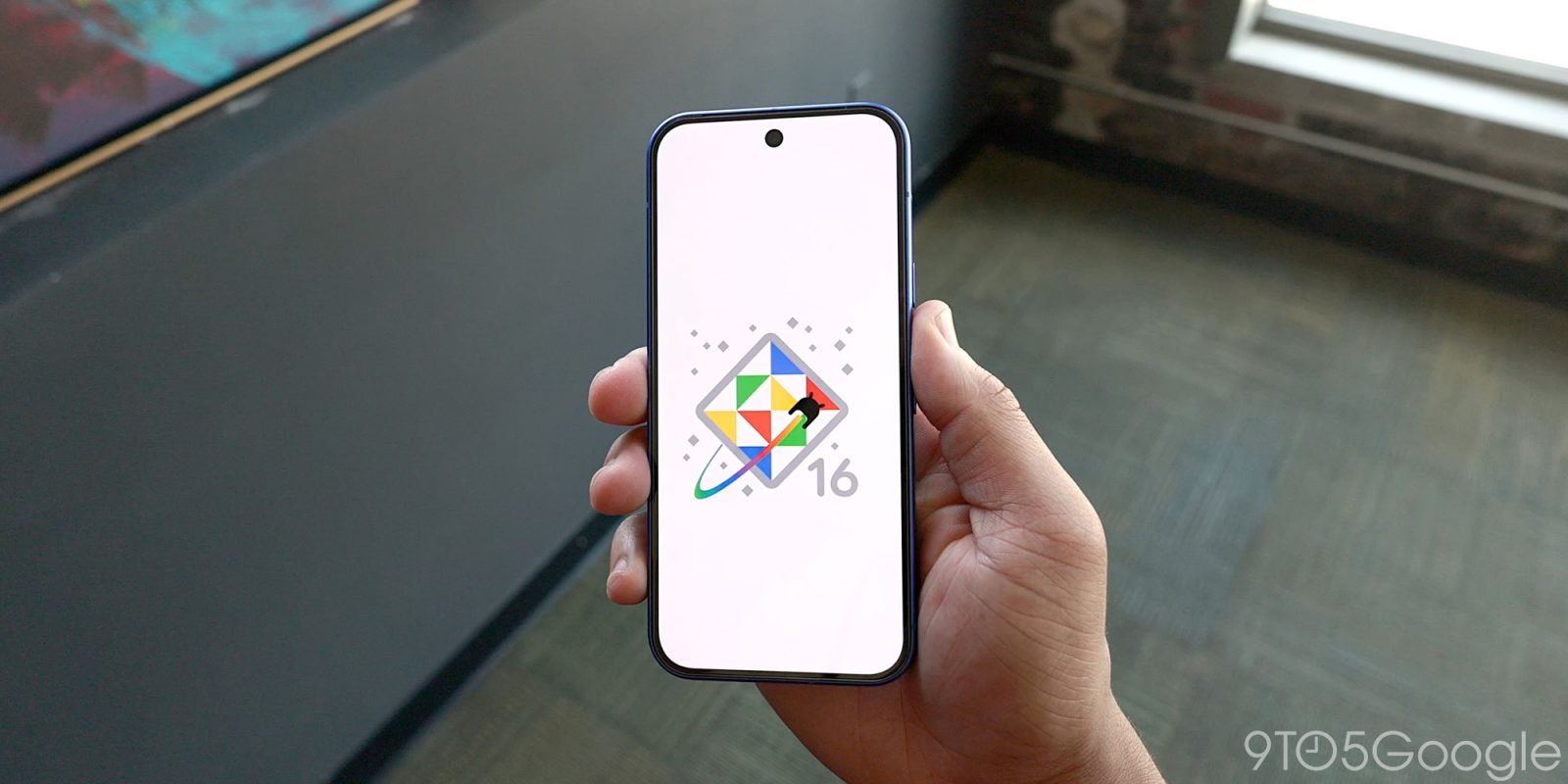
Overview of Android 16 QPR2 Beta 3
The release of Android 16 QPR2 Beta 3 marks a significant milestone within the Android ecosystem, providing both developers and users with an insight into the enhancements anticipated in the upcoming stable version. A ‘Quarterly Platform Release’ (QPR) signifies Google’s commitment to delivering regular updates that refine the user experience, bolster security, and address any bugs or issues reported in previous versions. This third beta iteration serves not only as a testing ground for new features but also as a crucial feedback mechanism for final adjustments prior to the stable release.
Android 16 QPR2 Beta 3 is crucial for developers as they can utilize this opportunity to test their applications against the latest platform enhancements. This beta version introduces a suite of improvements, including optimizations for system performance, adjustments to user interface elements, and the introduction of new functionalities aimed at enriching user engagement. The timeline for this beta suggests that we are approaching the final stages of testing, ensuring that the features included are stable and beneficial for end users.
For consumers, this release holds particular importance as it not only provides insights into forthcoming developments but also allows early adopters to experience and evaluate the changes ahead of the full rollout. This feedback loop ensures that any significant issues can be addressed before the stable release reaches a broader audience. In the grand scheme of Android versioning, QPRs like this one provide a structured approach to continual improvement while reinforcing Google’s innovative trajectory, ensuring that users remain at the forefront of technological advancements.
New Features and Improvements
With the release of Android 16 QPR2 Beta 3, Google has taken significant steps in enhancing the user experience across its Pixel devices. The latest update introduces several new features, UI updates, and performance enhancements that aim to improve overall functionality. One of the noteworthy additions is the refined notification management system. Users can now experience a more intuitive interface that integrates notifications seamlessly into the user experience, allowing for better organization and accessibility. This change reflects feedback from users regarding cluttered notification panels in earlier versions.
Another area of improvement lies within the system’s performance. Google has optimized background app processing, resulting in quicker app launches and reduced power consumption. This enhancement is particularly vital for users who rely on their devices throughout the day without frequent charging. Furthermore, efficiency improvements have been reported in the areas of memory management, ensuring that users can run multiple applications simultaneously without significant slowdowns.
Security remains a top priority for Google, and Android 16 QPR2 Beta 3 continues this trend by incorporating advanced security features. New biometric authentication protocols offer an added layer of protection for user data. This update has been heavily influenced by user reports highlighting the need for more robust security measures. On top of that, users will find enhanced privacy settings, empowering them with better control over their personal information and permissions granted to applications.
Interactive features have also been enriched, including a redesigned settings menu that offers improved navigation and accessibility. In response to user feedback suggesting that the previous version felt cluttered, this new design emphasizes a clean, organized layout. As Google rolls out these enhancements, it becomes clear that the ongoing dialogue with users is instrumental in shaping the evolution of the Android platform.
How to Install Android 16 QPR2 Beta 3 on Your Pixel Device
Installing Android 16 QPR2 Beta 3 on your Pixel device is a streamlined process, provided you follow the appropriate steps and meet the prerequisites. To begin, it’s essential to ensure compatibility; verify that your Pixel device is among those eligible for this beta update. The eligible devices typically include recent models, such as Pixel 6, Pixel 6 Pro, and Pixel 7 series.
Before proceeding with the installation, it is crucial to back up your data. This action will prevent potential data loss, as beta versions can sometimes lead to unexpected issues. To back up your data, navigate to Settings > System > Backup and ensure that your contacts, photos, and app data are securely stored. Additionally, consider backing up to a computer or cloud storage for extra safety.
Once you have met these prerequisites, you can start the installation process. Head to the official Android Beta Program website and sign in with your Google account linked to your Pixel device. After enrolling your device in the program, select ‘Download’ to obtain the latest Android 16 QPR2 Beta 3 image or OTA file. The download may take some time, depending on your internet connection.
After the download is complete, navigate to Settings > System > System updates on your device. If the system update appears, follow the prompts to install it. Your device will restart, and Android 16 QPR2 Beta 3 will be applied. If you encounter any issues during this process, such as failure to install, consider restarting your device or checking the integrity of your internet connection.
By adhering to these detailed steps and taking precautions, users can successfully install Android 16 QPR2 Beta 3, experiencing the latest features and improvements on their Pixel devices.