
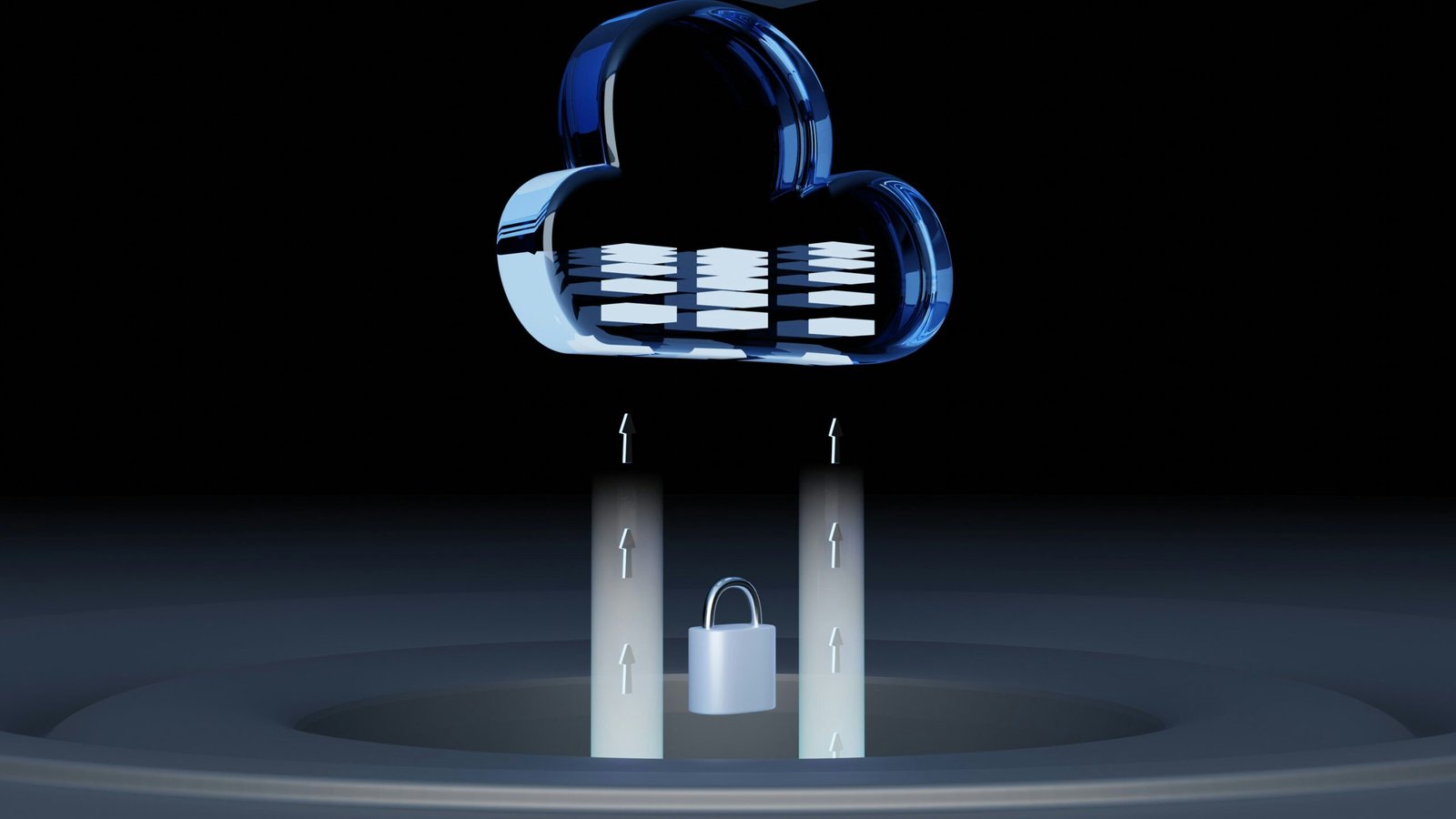
Understanding the Risks of Cloud Account Lockouts
Cloud account lockouts are situations in which users are unable to access their accounts due to various issues that restrict entry, including forgotten passwords or lost access to recovery methods. These lockouts can occur unexpectedly and often result in significant inconvenience, impacting both personal and professional activities. In the contemporary digital landscape, where reliance on cloud services is ever-increasing, awareness of the risks associated with account lockouts has become essential.
One of the primary factors leading to cloud account lockouts is the inability to recall passwords. As users are encouraged to create complex passwords for enhanced security, the likelihood of forgetting them inadvertently rises. In addition, many cloud providers implement stringent security protocols, which may involve temporary lockouts after multiple unsuccessful login attempts. While this measure is intended to protect user data, it can inadvertently leave individuals unable to access their accounts when they need them most.
Another prevalent risk stems from losing access to recovery methods. Many cloud services offer ways to recover accounts through email or phone numbers. However, if users change their contact information without updating their account details, they may find themselves locked out of their accounts permanently. Furthermore, the implementation of two-factor authentication (2FA) adds an additional layer of security but can also lead to lockouts. If the secondary authentication method is unavailable—for instance, if a user loses their phone—regaining access can become a daunting task.
Recognizing these risks is crucial as it forms part of the broader discourse on digital security in the cloud. By understanding the various avenues that can lead to account lockouts, users can better prepare themselves, ensuring they have contingencies in place to prevent disruptions in accessing their cloud services.
Best Practices for Securing Your Cloud Accounts
In today’s digital landscape, securing your cloud accounts is essential to prevent unauthorized access and potential lockouts. One of the foundational steps towards secure account management is the creation of strong and memorable passwords. A strong password typically includes a combination of uppercase and lowercase letters, numbers, and special characters. It is advisable to avoid easily guessed terms, such as birthdays or names. Furthermore, users should consider updating their passwords regularly and refrain from using the same password across multiple accounts to enhance security.
Utilizing password managers is another effective strategy for safeguarding your cloud accounts. These tools securely store and encrypt your passwords, allowing for the creation of complex, unique passwords without the burden of memorization. By generating strong passwords that reflect minimal patterns, users can significantly reduce vulnerabilities in their cloud security.
Another vital practice is enabling multi-factor authentication (MFA). This adds an additional layer of protection by requiring two or more verification methods before gaining access to accounts. MFA could involve receiving a text message with a code, using an authentication app, or biometric verification, such as fingerprint recognition. By implementing MFA, users will be better protected against unauthorized access, even in the event of a compromised password.
Additionally, regularly updating security questions and recovery options is crucial. Security questions should be chosen carefully to ensure they cannot be easily found or guessed. Periodic updates to recovery emails and phone numbers are also necessary, ensuring you maintain access to your accounts in case of device loss or changes in contact information. By adopting these best practices, individuals can effectively secure their cloud accounts and mitigate the risk of unwanted lockouts.
Recovery Strategies When Locked Out of Cloud Accounts
Finding yourself locked out of your cloud account can be a stressful experience. However, there are several recovery strategies that can help you regain access quickly and efficiently. The first step is to utilize any backup codes that may have been provided when you set up two-factor authentication. These codes are designed specifically for situations where you cannot access your primary means of authentication. Store these codes securely in a location that is easily accessible, yet private.
If you do not have backup codes, the next option is to check if a recovery email address was set up during the initial configuration of your account. Most cloud services allow users to designate a recovery email, which can be used to send a reset link or verification code to help regain access. It is crucial to ensure that this email is also secure and monitored regularly.
Another helpful strategy is to consider alternative authentication methods. Some cloud services offer options such as mobile authentication apps, SMS-based verification, or biometric methods. If you have previously set up any of these alternatives, using them can facilitate a quicker recovery process. Furthermore, if you still cannot access your account, contacting customer support may be necessary. Provide them with as much information as possible to verify your identity. Most cloud providers have dedicated support teams to assist with account recovery.
After successfully regaining access, it is essential to take preventive measures to minimize future lockout risks. Regularly update your security settings, review recovery options, and ensure that your backup codes are current. By being proactive, you enhance your security and reduce the likelihood of encountering such issues again. Empowering yourself with these strategies can make a significant difference in your cloud account management.
